> For the complete documentation index, see [llms.txt](https://docs.seedx.app/llms.txt). Markdown versions of documentation pages are available by appending `.md` to page URLs; this page is available as [Markdown](https://docs.seedx.app/seedxapp/orderbook.md).
# Orderbook
Decentralized Order Book Exchange
Order-book Exchange
The Decentralized Exchange SEEDx offers traders an innovative method. There is no proof of reserve in this, thus listing a coin in order-book exchange does not complicated no huge fees required.
SEEDx DeFi's goal is to give stable coin and alt-coin consumers with safe, yield-enhancing solutions that allow them to earn significant returns relative to their risk.
### Trade with SEEDx
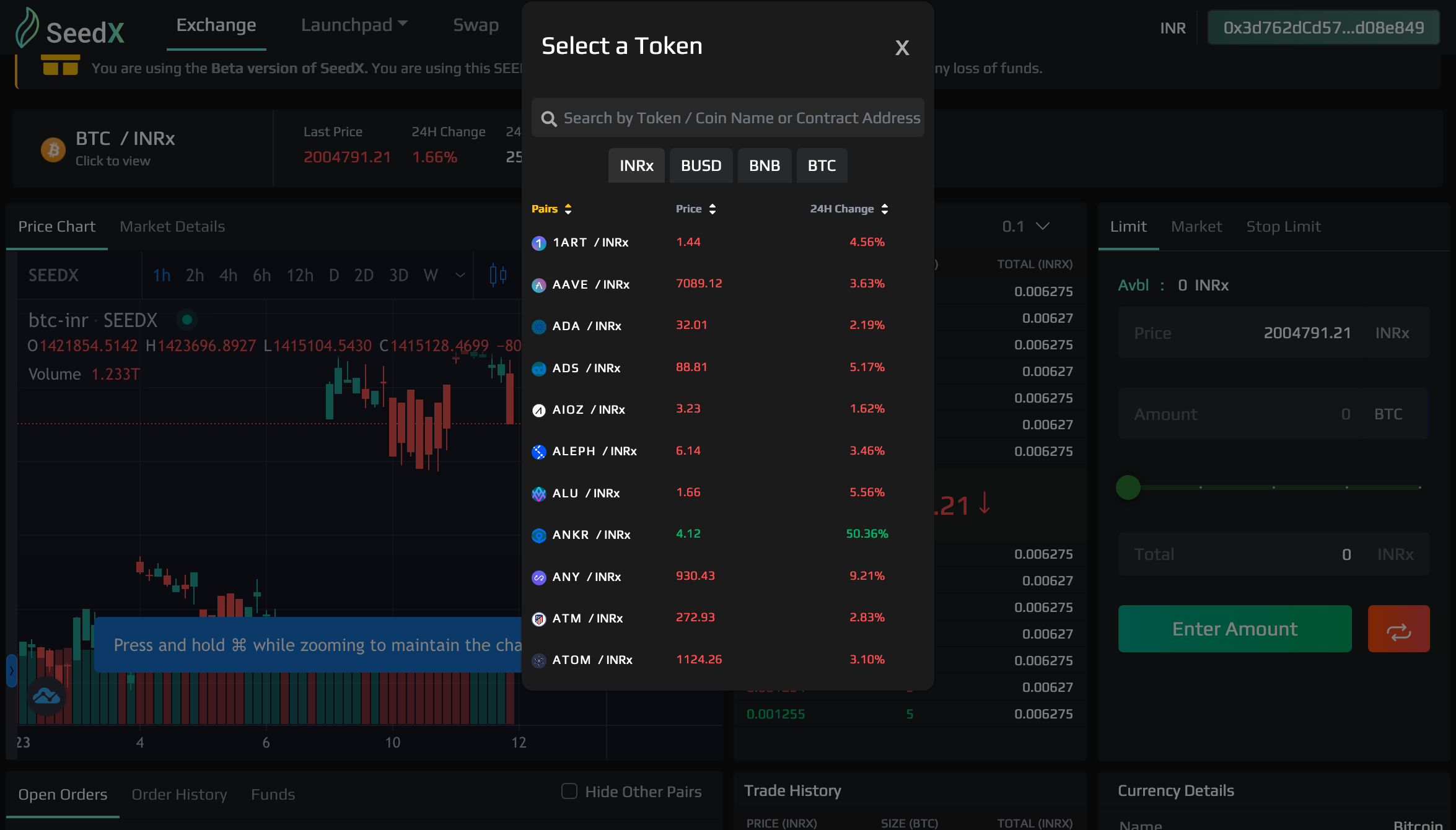
1\. Access the [SEEDx Exchange](https://seedx.app/exchange).
2\. Click the "Connect Wallet" button and select your wallet type.
3\. Select a trading pair you wish to trade (e.g. BNB-BTC).
4\. Select Order type (Market Order, Limit Order).
5\. For Market Order - type the Amount of currency you want to purchase.
6\. For Limit Order - type the amount of currency and the price at which you want to limit the purchase.
7\. Click on Submit button and wait for Order Execution.
8\. After Submission SEEDx Order Book Matching Engine will Execute the Trade as per Market Order.
9\. Trade successful message will be displayed and Order details will be mentioned in your Orders Section.
10\. Congratulations your Order has been Successfully Executed.
#### Fees
When you make a trade in a SEEDx Order-book Exchange the transaction is charged a 0.3% Maker and Taker which:
0.10% is rewarded among all traders through scratch coupon .
0.10% is used for buying SEEDx .
0.10% is for SEEDx staking reward.
Fee Treasury [0xBaf02f64f75493F1333B5f7D62506F45e5C2ef80](https://www.bscscan.com/address/0xbaf02f64f75493f1333b5f7d62506f45e5c2ef80)
Network fee: A nominal amount of BNB is also required to process BSC network fees on each trade. Most transactions cost between 0.0001 — 0.001 BNB.